
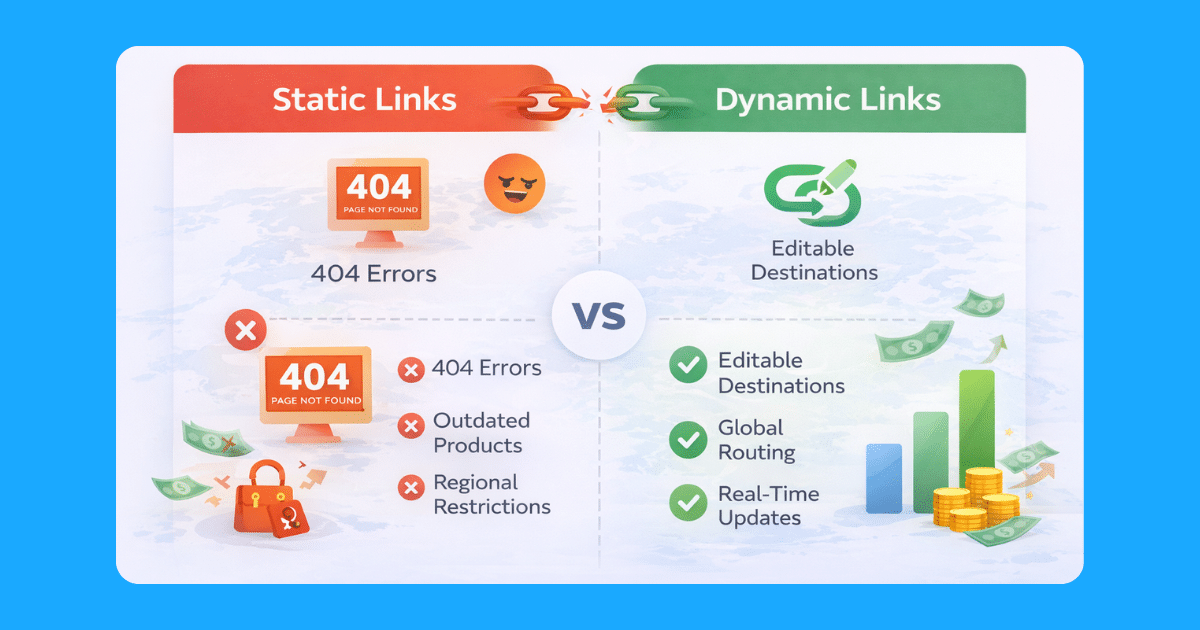
Every affiliate link you publish is a bet that the destination will still be valid when the next reader clicks it. Products go out of stock. ASINs change. Retailers restructure URLs. Entire programs shut down. According to Geniuslink’s own research, as many as 25% of Amazon affiliate links eventually break due to link rot, product discontinuation, or inventory changes. For publishers with hundreds or thousands of links in circulation, this adds up to a significant, largely invisible revenue drain.
Editable affiliate links solve this at the source. Instead of hard-coding a destination into every post, you publish a short link that you control from a central dashboard. When a product goes out of stock, a better offer emerges, or you want to test a higher-converting retailer, you update the destination once, and every instance of that link updates instantly, across every post, email, or social update where it appears.
This guide covers how editable links work, why they matter for protecting and growing affiliate revenue, and how to use Geniuslink’s link management tools to build a sustainable, future-proof link strategy.
What Are Editable Affiliate Links?
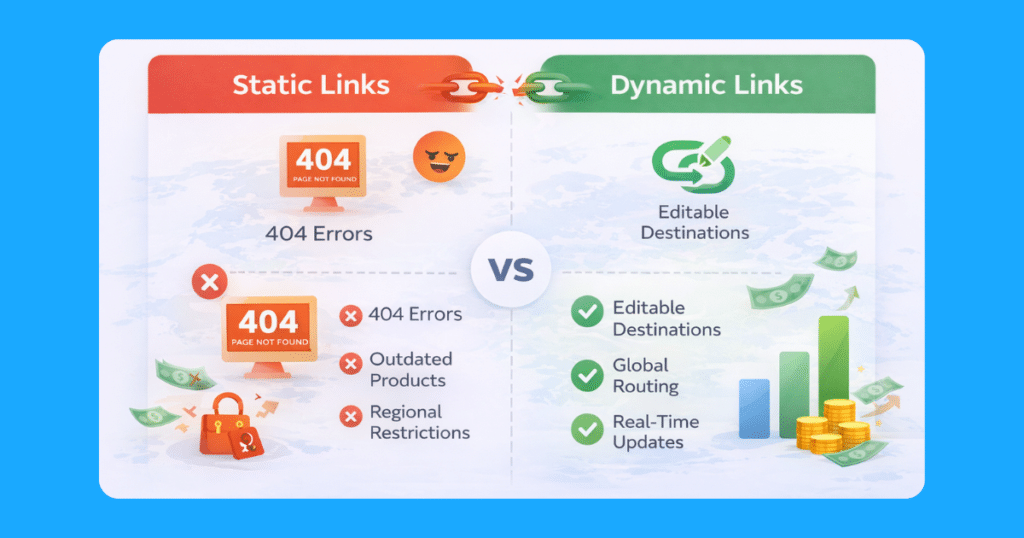
A traditional affiliate link is static. Once it is published in a blog post or shared on social media, the destination is locked in. If the product it points to becomes unavailable, you have to manually find and update every post, email, or social caption that contains that link. For a site with years of published content, that is an enormous and ongoing maintenance task.
An editable affiliate link uses a short uniform resource locator (URL) that you control for a short redirect. The short link you share publicly never changes, but the destination it points to is managed from your dashboard. When you need to update where that link sends traffic, you change it in the dashboard once, and the update propagates everywhere the link appears, without touching a single post.
Think of it as a permanent forwarding address. The address people use to reach you stays constant, but you can change where the mail actually goes at any time.
Why Links Break and What It Costs
Affiliate links fail for reasons that are largely outside your control. Amazon frequently changes ASINs when products receive updated versions or new packaging. Retailers discontinue items, run out of stock, or restructure URL patterns during site migrations. Seasonal products disappear after their selling window closes. According to Geniuslink’s link health research, up to 25% of Amazon affiliate links eventually go stale.
Each broken link creates a compounding problem. A reader who clicks and lands on a 404 page or an out-of-stock listing loses trust in your recommendation and is unlikely to search for an alternative. You lose the commission on that sale and potentially the reader themselves. Because broken links tend to accumulate silently over time, the damage often goes unnoticed for weeks or months.
There is also a search engine optimization (SEO) dimension. Search engines detect patterns of dead-end links and poor user experience signals, which can affect how your content ranks over time. Your best-performing posts are often the ones most hurt by this link rot, since they send the most readers to disappointing destinations.
The opportunity cost is equally high. Every hour spent manually hunting through old posts to fix individual links is time not spent creating content, running tests, or analyzing performance. Without editable links, link maintenance scales with your content library, eventually becoming unmanageable.
How Editable Links Work in Geniuslink
Geniuslink’s short links use redirect technology that checks your current destination settings when each visitor clicks. When you update a link’s destination in the dashboard, that change takes effect for every future click, across every platform where the link appears, within seconds.
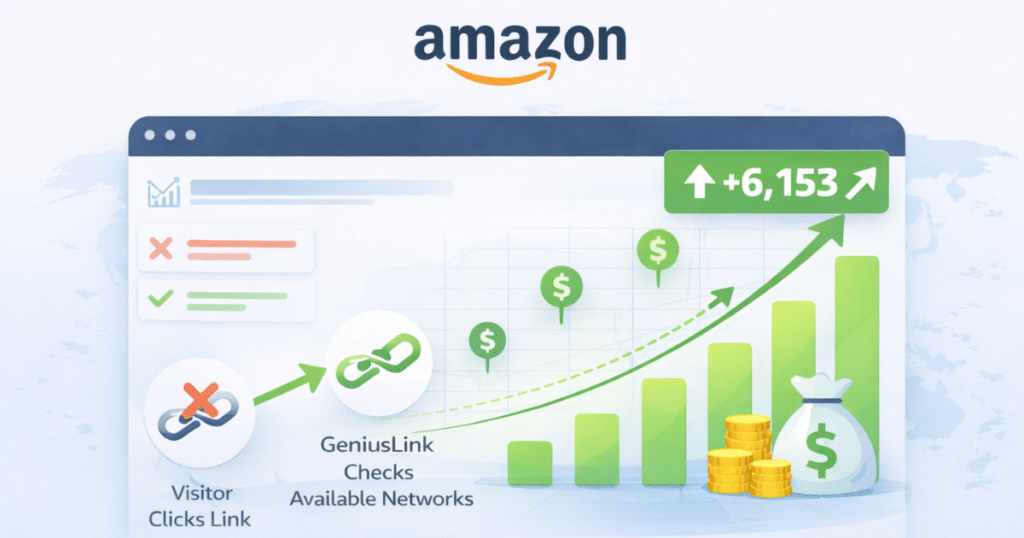
The redirect process automatically preserves your affiliate tracking parameters. Your affiliate ID travels to the destination URL behind the scenes, so you do not need to manually append tags each time you update a destination. This also means that when you redirect a link from one retailer to another, the new destination is automatically affiliated without any additional steps.
Bulk editing extends this control to your entire library. When a product line changes or a merchant updates their catalog structure, you can redirect multiple links at once from the dashboard rather than editing each link individually.
Six Ways Editable Links Protect and Grow Revenue
1. Instant Fixes for Out-of-Stock Products
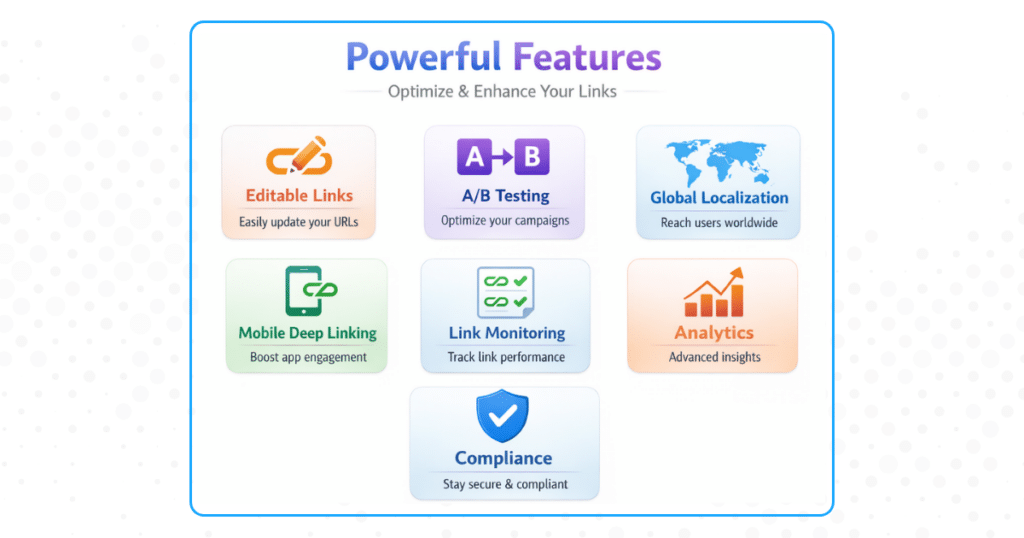
When a product you are promoting goes out of stock, an editable link turns what would be a revenue crisis into a quick fix. Update the destination to a comparable in-stock product, an alternate color or size variant, or a different retailer carrying the same item. Every old post pointing to that short link benefits from the update immediately, without any manual editing. Your readers get a working shopping experience, and you maintain commission flow on qualifying purchases.
2. Seamless Promotion Swaps and Seasonal Campaigns
Retail promotions create time-sensitive opportunities that static links cannot capture without significant manual effort. With editable links, you can update your evergreen content to point to a sale page when a promotion goes live, then redirect back to the standard product page when it ends. The same short link in a post from two years ago can participate in a current promotion without you having to touch that post at all.
3. Swapping to a Higher-Converting Retailer
Not all retailers convert equally across products or audiences. If you discover that a different retailer offers better pricing, faster shipping, or a more trusted checkout experience for your readers, editable links let you test and switch destinations without disrupting your published content. Update once, and every link in your library pointing to that product benefits from the change.
4. Geo-Targeting for International Audiences

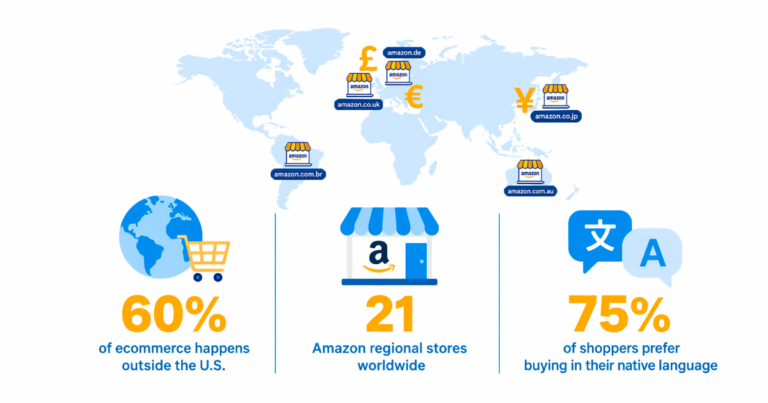
A reader in Germany clicking an Amazon.com link lands on the US store, sees prices in dollars, faces international shipping, and frequently leaves without purchasing. Geniuslink’s geo-targeting routes each visitor to their local Amazon storefront with your regional affiliate ID attached. A single short link sends UK visitors to Amazon.co.uk, German visitors to Amazon.de, and US visitors to Amazon.com, each correctly attributed. Geniuslink’s own data suggests that for every 10% of international traffic you receive, localizing your links can increase total revenue by around 5%.
5. Mobile Deep Linking for App Users
Many mobile users have the Amazon app installed, and sending them to a mobile browser instead creates unnecessary friction at the point of purchase. Geniuslink’s mobile deep linking detects app users and opens the product directly in the app rather than a browser. Google’s data on app-landing experiences show, on average, two times higher conversion rates than on mobile web, because users are already logged in and familiar with the checkout flow.
6. A/B Testing Major Destination Changes
Before committing a high-traffic link to a new destination, use Geniuslink’s built-in A/B testing to split traffic between the current and new destination by a percentage you define. Send 70% to your existing destination while testing 30% to the new one. Because both destinations share the same short link, traffic conditions remain identical, eliminating variables such as time-of-day differences or seasonal patterns that can skew manual comparisons. Let data determine the winner before making the change permanent. This approach is especially worth using on your top-earning pages, where an untested change carries the most risk.
Recording Changes: Notes, Tags, and the Optimization Loop
Editable links create an ongoing history of destination changes that is only useful if you document it. Geniuslink’s Notes field lets you record the rationale for each update directly on the link. A note like “Redirected to Walmart on [date] after original Amazon ASIN went out of stock” or “Switched to updated model after manufacturer refresh” gives you and your team a clear record of what happened and why.
Tags let you label changes for easy filtering later. If you update a set of links as part of a seasonal campaign, tag them consistently so you can pull up the full picture in your reports after the campaign ends. You can also use tags to flag links that are currently in an A/B test, links you recently redirected, or links tied to a specific content category.
Together, Notes and Tags create a change log that turns link management from reactive maintenance into a documented optimization practice. When you review performance next month and see a spike or drop in earnings per click (EPC) on a particular link, you will have a clear record of what changed and when, making it much easier to draw the right conclusions and apply those lessons across your broader link library.
Prioritizing Your Top-Earning Pages First
Not all links are equal. A broken link on a page that receives ten visits a month costs far less than a broken link on a page that receives ten thousand. When implementing editable links or running link health reviews, start with your highest-traffic content.
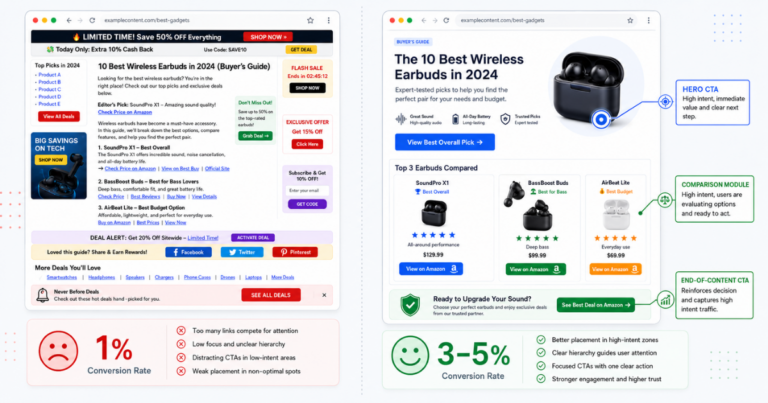
Use your analytics to identify your top-performing pages by traffic, affiliate clicks, and earnings. Migrate or audit those links first. Fix the most prominent placements within those pages first as well, since links in introductory paragraphs, comparison tables, and call-to-action buttons drive a disproportionate share of clicks.
Once your top earners are covered, work systematically through the rest of your library. The time investment required drops significantly once your highest-impact content is protected.
Building a Maintenance Cadence
Editable links reduce the cost of link maintenance, but they do not eliminate the need for it entirely. A monthly review cadence keeps your library healthy and turns link management into a proactive habit rather than an emergency response.
A simple monthly process might include reviewing Geniuslink’s Link Health report and resolving any flagged issues, checking geographic and device data for traffic patterns worth acting on, reviewing EPC by link to spot underperformers worth testing, and updating Notes on any links you changed that month. During high-volume periods such as Q4 or major sale events, increase the frequency to weekly.
The key discipline is recording what you do and why. A link change that is documented in Notes and tagged appropriately gives you something to learn from. An undocumented change is just noise in your data.
Compliance Considerations
Amazon Associates permits the use of URL shorteners, but transparency about the destination remains required. When using shortened or redirected links, your affiliate disclosure must still appear on the page, and your anchor text should make clear where the link leads. Descriptive anchor text, such as “view on Amazon” or “check current price,” is preferable to generic language.
Geniuslink maintains technical compliance with Amazon’s requirements by preserving referrer information and avoiding cloaking techniques. Your site appears as the traffic source in Amazon’s reporting, not Geniuslink. For other affiliate programs, review their redirect link policies before using editable links in those contexts.
Getting Started
The most effective starting point is your highest-traffic content. Identify your top-performing pages and convert those affiliate links to Geniuslink short links first. Run a Link Health scan on those pages immediately to catch any existing issues. Configure your regional affiliate IDs so that geo-targeting begins working for international traffic from day one.
From there, set up your Groups and Tags structure to match your content organization, establish your Notes habit on every new link you create, and schedule your first monthly review. The infrastructure builds quickly; the compounding benefit grows with every piece of content you add to it.
Try Geniuslink free for 14 days and start future-proofing your affiliate links today.
Author
Author